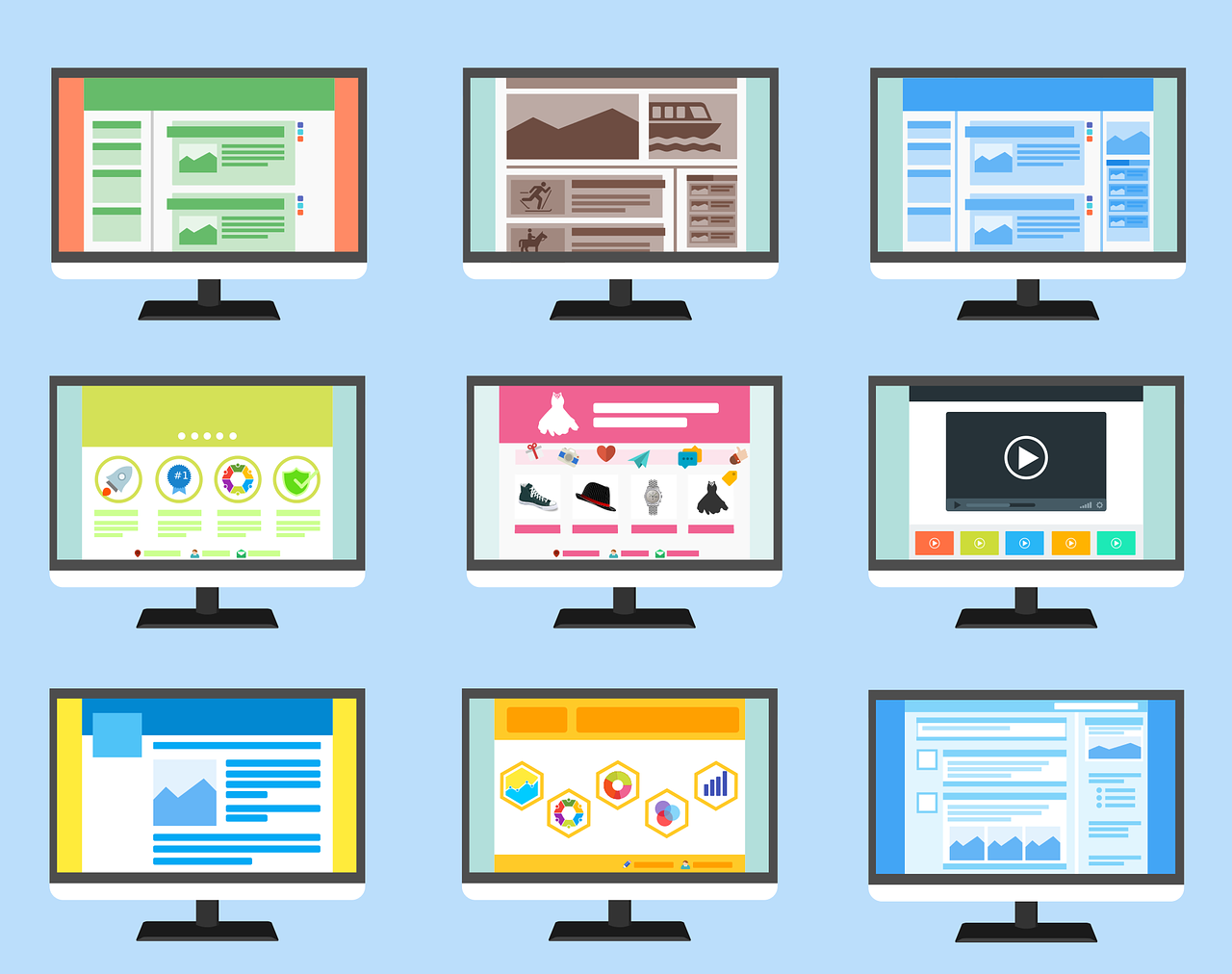
Use website illustrations when the thing you need to show can’t be photographed well: a process, an idea, a piece of software, a service that happens out of sight. Use photography when people need to see something real, such as your team, your premises or a physical product. Most good sites use both, with illustration doing the explaining and photos doing the proving.
Visual style is one of the first decisions in a web design project. Here are ten reasons to consider illustration before you reach for the stock photo library.
When illustration beats photography
Say you sell payroll software to small firms. There’s nothing to photograph, so you could use the usual smiling person at a laptop, or draw how a payslip moves from your system to an employee’s phone in three steps. The drawing explains the product. The photo only fills the space.
1. It makes complex ideas simple
A workflow or an abstract idea can be shown in one image. A paragraph that takes thirty seconds to read becomes a diagram that takes three.
2. It makes you recognisable
A consistent style, in your colours and shapes, becomes part of your brand. People remember a distinctive drawing more readily than a generic photo.
3. It gets you away from stock photography
Visitors have seen the same handshake and the same headset-wearing support agent on hundreds of sites. Stock imagery makes you look like your competitors.
4. It tells your story
Illustration can show where your business came from or what working with you looks like, in a sequence that holds together across a page.
5. It isn’t limited by reality
You can show a building cut in half, a customer journey as a map, or a product that hasn’t been manufactured yet.
6. It communicates quickly
A simple icon set next to your services lets someone scan the page and find what they need without reading every word.
7. It anchors your visual style
An illustration style sets rules for the rest of the design: line weight, corner shapes and how your palette is used. It pairs naturally with the choices in our guide to colour psychology in web design.
8. It guides the layout
Shapes and forms from the illustrations can carry through to buttons, cards and section dividers, so the site feels like one piece.
9. It sets the mood
Warm, playful drawings and precise technical line work create very different first impressions, and you choose which.
10. It can move
Illustrations work well as light animation: a diagram that builds step by step as you scroll, or an icon that reacts on hover. Delivered as SVG files, they stay sharp at any size and usually load faster than a photo of the same dimensions.
Use illustration to explain and photography to prove. Most sites need both.
When photos are the better choice
If trust depends on seeing real people, as it does for a care provider, a law firm or a local trade, show your actual team. Products people will buy should be photographed properly. And every illustration that carries meaning needs alt text describing what it shows, so visitors using screen readers get the same information.
How we approach visual style
We settle visual direction early in every project, and we often combine a small custom illustration set with real photography of the client’s team and work. You can see how we approach web design in London, or read our guide on how to choose the right web designer.
FAQs
Are illustrations or photos better for a website?
Neither is better in general. Illustrations suit processes, services and ideas that can’t be photographed. Photos suit real people, places and products, and most sites need both.
Do illustrations slow a website down?
Usually not. Simple illustrations saved as SVG files are often smaller than photos and stay sharp on every screen. Detailed illustrations should be exported and compressed like any other image.
Should I use free illustration libraries?
They’re fine for prototypes and small projects. For your main website, a custom style is worth paying for, because free libraries are widely used and won’t make you recognisable.